
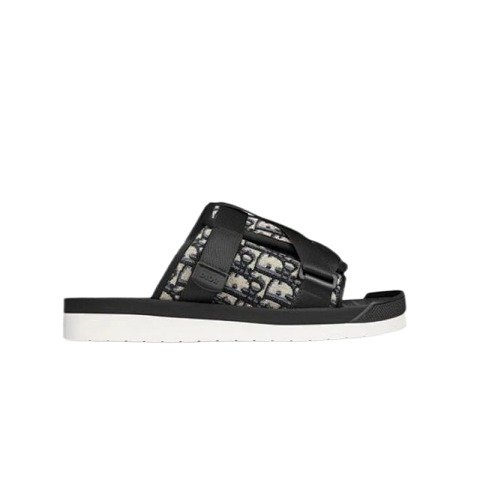
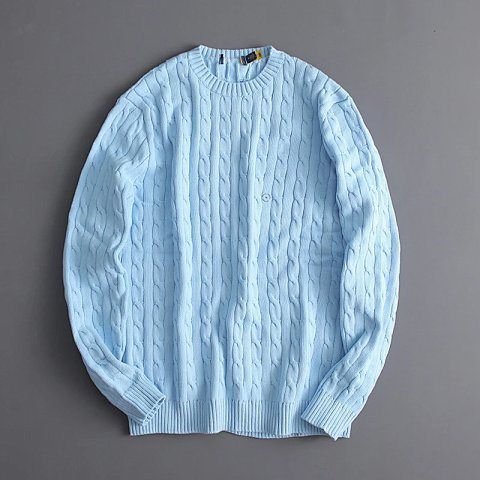


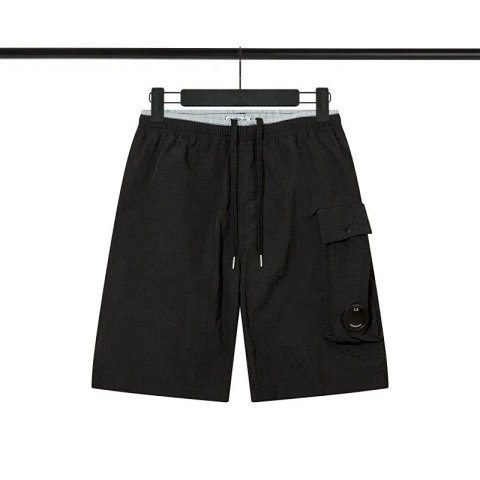

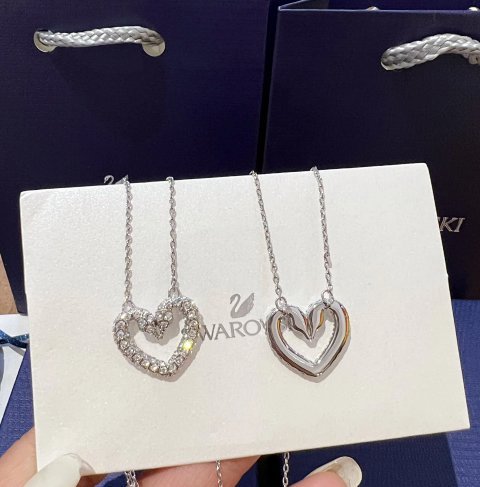

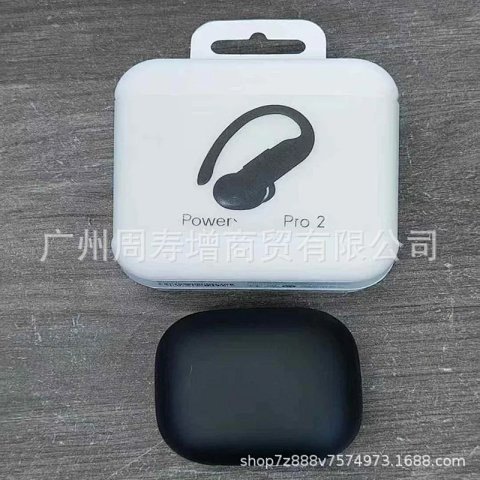
Read the exact title, option and price
Do not rely on a search thumbnail or a low “from” price. On the active listing, select the colour, size, model or quantity you want and reread the title and displayed amount. Record the choice in your order notes. This is the reference you will use later if warehouse photos show a different variation.
Check measurements before trusting a size label
Letter and number sizes can differ by seller. Read the current measurement chart, compare it with an item you own, and note whether a unit or tolerance is stated. If fit is decisive, a tag alone is weak evidence; a later measurement photo is more useful than an assumption.
Use listing photos for comparison, not a guarantee
Listing images show the seller’s presentation. They can help you identify the intended colour, material cues and included parts, but they do not prove that the received item will be identical. Keep a screenshot of the views that matter to you so the comparison is specific later.
Review warehouse QC as visible evidence
When a buying-agent order reaches the warehouse, visible QC images can be compared with your selected listing. Look for the option, colour, label, shape, visible stitching, damage and any requested measurement. QC photos are helpful evidence; they are not a certification of quality, authenticity, performance or fit.
Resolve problems before parcel submission
If the item appears wrong or incomplete, check the current live account/order options before you include it in an international parcel. Return or exchange eligibility depends on the seller, item, timing and active order terms. Do not assume that a warehouse item can automatically be returned.
Keep the final shipping decision separate
Item price does not include every later cost. The final stage can depend on parcel weight or dimensions, packaging, destination, available route, restrictions, optional services and local taxes or duties. Recheck the live quote when every intended item is ready, rather than estimating from someone else’s order.
How to buy: a clear, non-checkout workflow
These are research steps, not an order form. The purchase and account actions happen only on the live services you choose to use.
- Open a FindSpreadsheet category. Choose the relevant card above to continue to the corresponding live main-site category.
- Open the live result. Confirm the current title, seller information, selected option, measurements, visual details and displayed price. Save the important listing information.
- Choose your buying-agent account path. Use the live platform account and its current instructions to submit the exact link and variation. This guide does not collect payment or submit orders.
- Wait for warehouse evidence. When the item is received, compare the visible QC images with the record you saved. Ask for clarification through the live account only when the current options allow it.
- Decide whether the item belongs in your parcel. Resolve any issue under the current account rules, then select only items you are ready to ship.
- Review the live route and cost. Confirm destination, restrictions, measured parcel information and the current shipping quote before payment. Customs, taxes and delivery timing remain destination- and carrier-dependent.
- Track after shipment. Read tracking as a sequence of carrier events. A label or early scan is not a delivery guarantee.
The category cards and product links on this guide only send visitors to FindSpreadsheet. Reconfirm seller, account, return, route and customs information in the active service before spending money.